This week I did a photo project, we had to accomplish taking portraits of one another, landscape photos and also abstract pictures. I really enjoyed taking these pictures, I have also had an interest in photography from the first time I took a photo class in high school. It was fun to plan out the locations of our shoot and how we were going to make the photos.
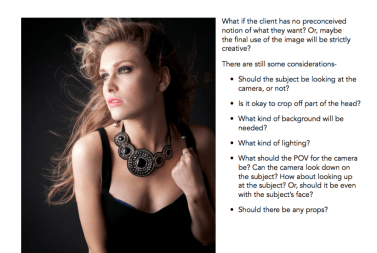
I also took an online class to having to do with portrait headshot photos. It taught me that you have to find a place with good lighting that it will be evenly spread across the subjects face, so that there are no shadows. It also showed me how and when to use different camera point of views. Here are some snippets from the class that I wanted to share with you:


Check out my photos here: https://www.flickr.com/cameraroll/
App Review: Adobe Lightroom:
Pros:
- easily fix and improve photos
- easily organize
- adjust brightness, saturation, and light
- HDR mode
- Share on social media
Cons:
- confusing if you don’t know photography terms
- does not link with google drive (which I use most of the time)
I would give the app 5 stars, it is very easy to use and maneuver around. I think a lot of people don’t know about this app and it should definitely be more popular.
Before Lightroom:
After Lightroom:

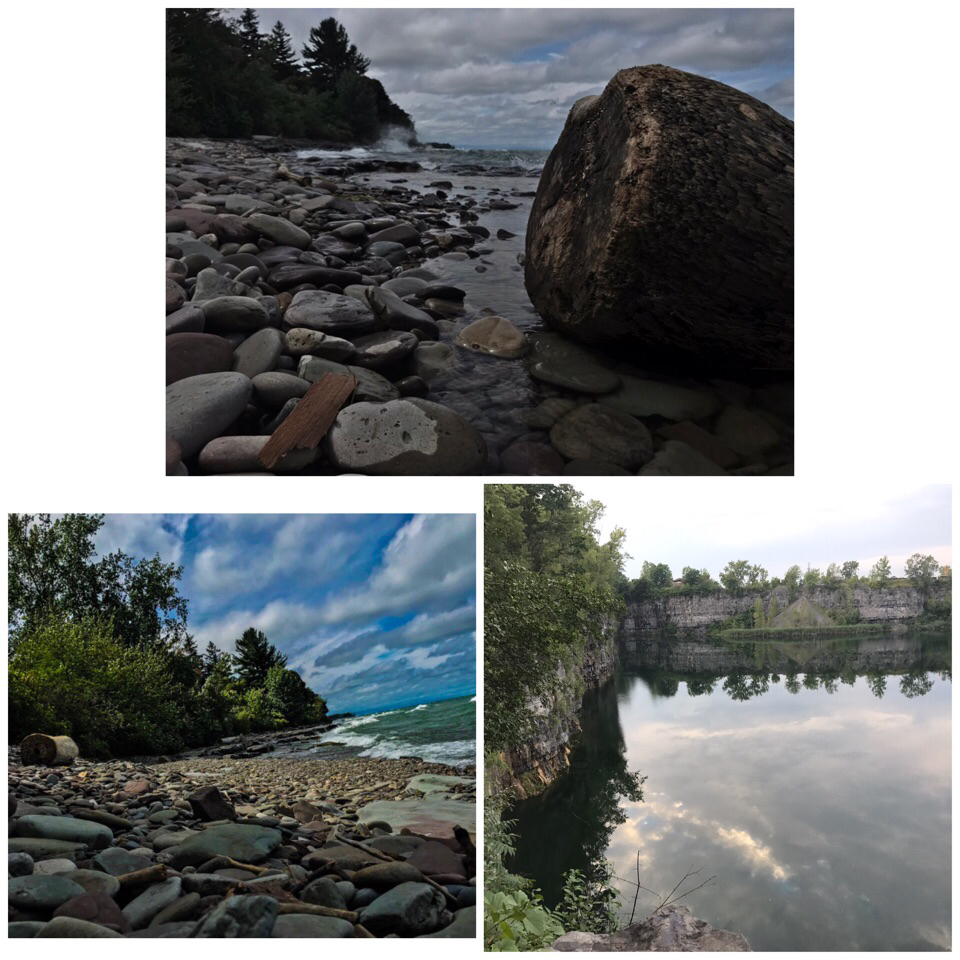
Collage of best work:
Screen recording on how to use Lightroom:
Flipboard article:
15 EASY TIPS FOR BETTER SUNRISE PHOTOGRAPHY
I personally love sunset/sunrise pictures so I found this article very interesting and useful for my very frequent sunset/sunrise photos. Some tips I found interesting was bring extra light for your camera lens. Use HDR to have a better contrast, this gives you better control of the photo when you go an edit it later. Shoot where you can use silhouettes, so that it gives you a better effect with the bright colorful sky and the black shadowy objects below.

 FitLife